 lathewell
Auto Clip (free)
Objects vanishing when you zoom out in Blender? One click fits viewport and camera clipping to your scene. Free.
Free pay what you want
Buy on GumroadAll Lathewell for Blender tools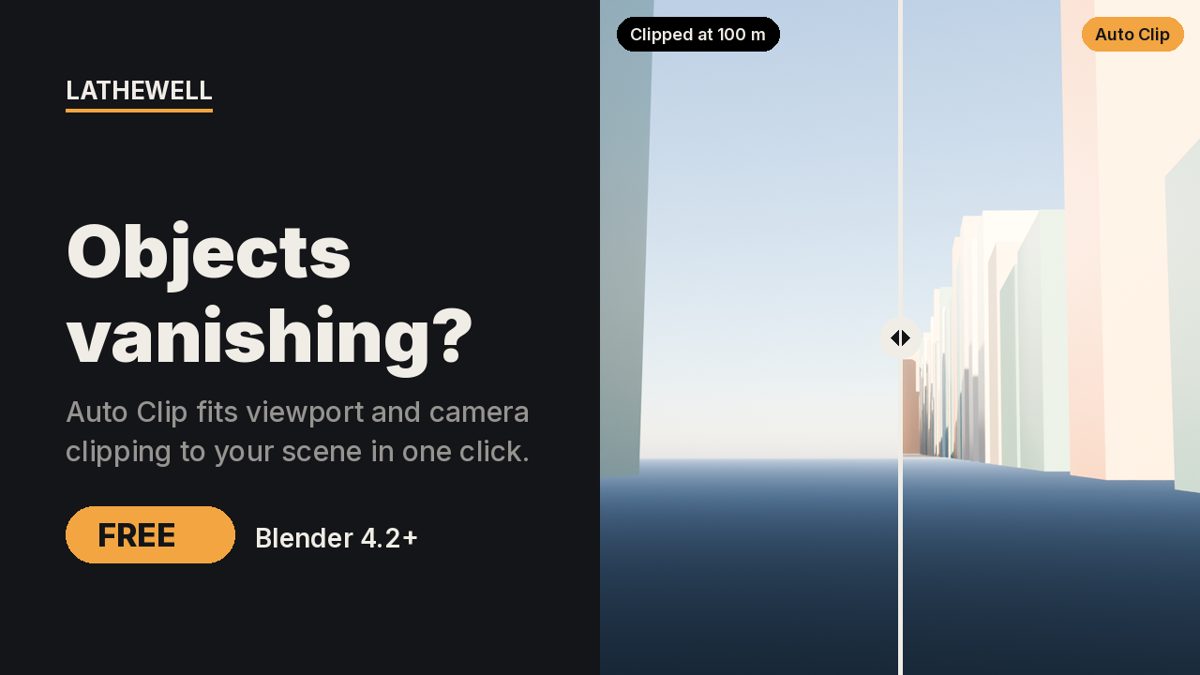
The problem
Blender's default clipping range (0.01–1000 m in the viewport, 0.1–100 m for cameras) hides large scenes and clips or flickers on tiny ones. Fixing it means guessing numbers in N panel › View and every camera.
The fix
Auto Clip measures the visible scene and sets viewport and camera clip start/end, with a safe ratio so surfaces don't flicker.
Features
- Fit Clipping to Scene / Fit to Selection (N panel › View and the View menu)
- Sets Clip Start/End on every 3D view and every camera
- Safe start-to-end ratio against z-fighting
- Ignores hidden objects
- Tested from 1 cm product shots to 20 km landscapes
- Undo-able, with a one-line report
Who it's for
Blender users with very large or very small scenes.
FAQ
Which Blender versions are supported?
Blender 4.2 or newer (Extensions format); tested in 5.2.
Is it really free?
Yes, $0 minimum on Gumroad, no account or nags. GPL-3.0-or-later.
What is the refund policy?
All sales are final and there are no refunds. Products are provided as-is, without warranty or liability.
Related guides
- Why is my Blender render black?
- How to render from Blender for print
- Why do objects disappear when I zoom in Blender?
Related tools
Render Rescue · $5
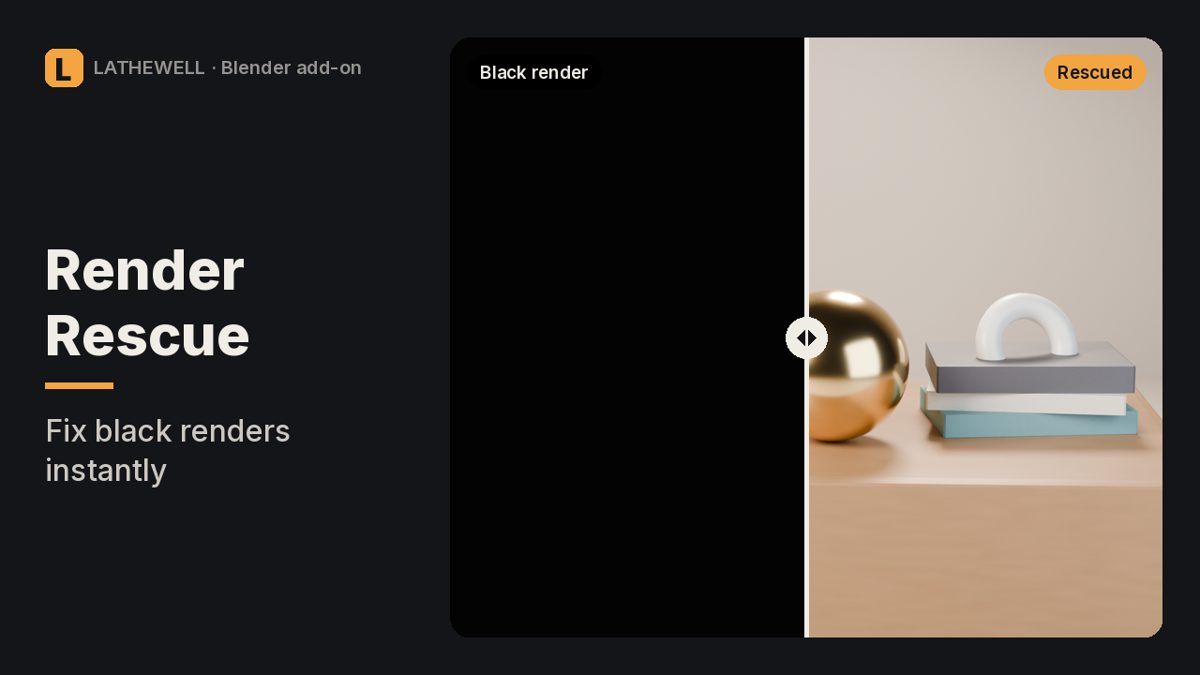
Black, empty or wrong Blender render? Finds the setting that causes it and fixes it in one click.
Black, empty or wrong Blender render? Finds the setting that causes it and fixes it in one click.
Material Doctor · $5
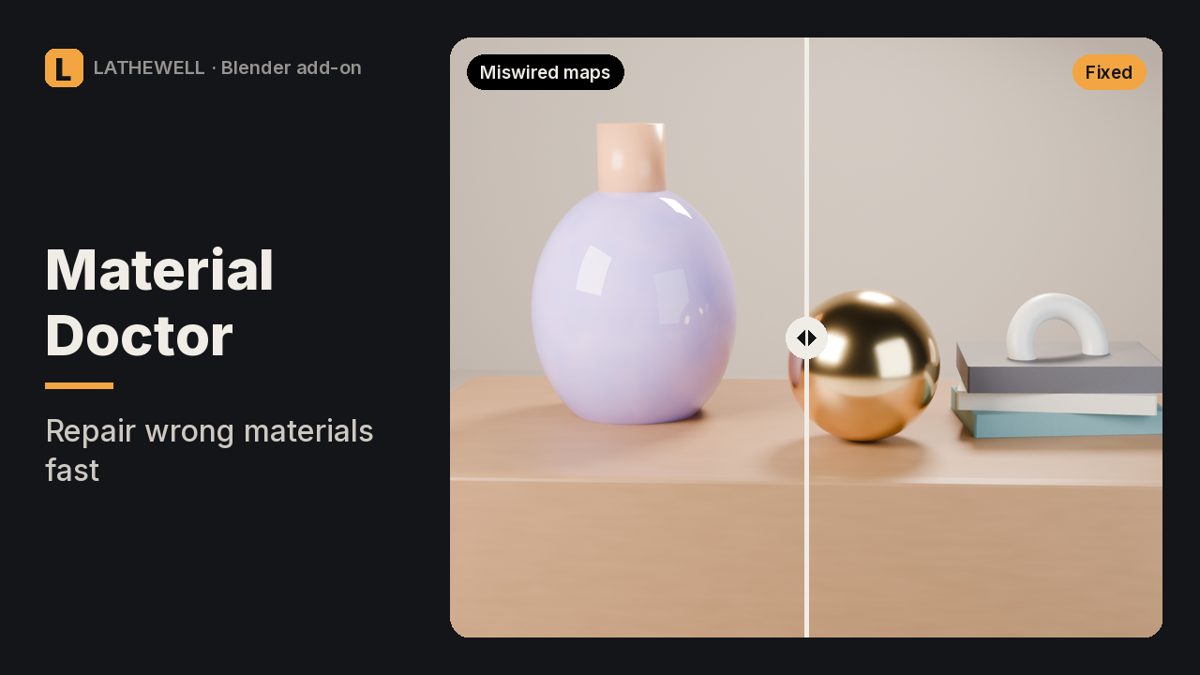
Fixes miswired normal maps and wrong colour spaces in every Blender material at once.
Fixes miswired normal maps and wrong colour spaces in every Blender material at once.
Print Proof · $9
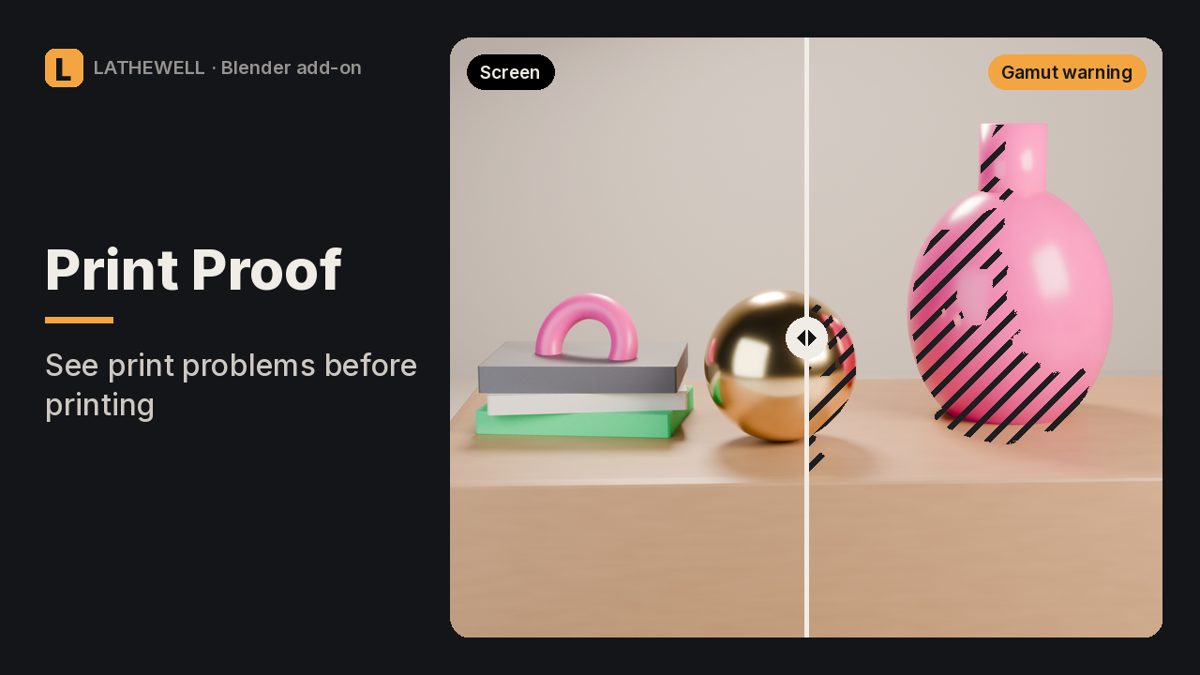
Risk map for Blender renders: out-of-gamut colours, blocked shadows, clipped whites and real print DPI.
Risk map for Blender renders: out-of-gamut colours, blocked shadows, clipped whites and real print DPI.