 lathewell
Material Doctor
Fixes miswired normal maps and wrong colour spaces in every Blender material at once.
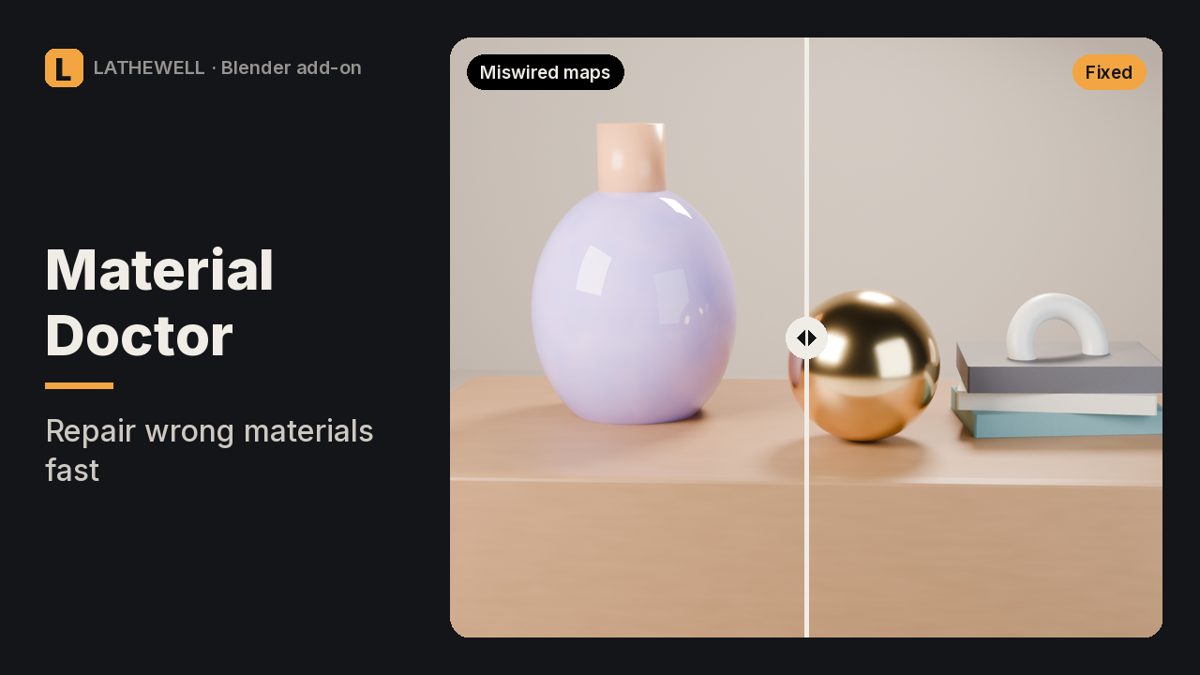
The problem
Downloaded a model and the surface looks blotchy, roughness looks off or colours look washed out? It is nearly always a normal map plugged straight into Normal, a data map left on sRGB, or a gloss map used as roughness.
The fix
Material Doctor scans every material (or the selected objects) and decides by where each texture is actually plugged in, not by file name. Each problem has a Fix button, or use Fix All (one Ctrl+Z).
Features
- Inserts a Normal Map node when a normal map is plugged straight into Normal
- Inserts a Bump node for height maps plugged into Normal
- Sets data maps (roughness, metallic, normal, height, alpha) to Non-Color, also through Reroute, ColorRamp, Separate Color and Math nodes
- Sets colour maps on Non-Color back to sRGB
- Inserts an Invert node for gloss maps used as roughness
- Sets DirectX normal maps (named _dx/directx) to DirectX
- Reconnects a disconnected Material Output
- Reports missing textures, empty Image nodes and images used as both colour and data
Who it's for
Blender users working with imported assets or texture sets.
FAQ
Which Blender versions are supported?
Tested in Blender 5.2. See the Gumroad page for details.
Does it touch node groups?
No. Textures going into node groups are left alone.
Does it relink missing textures?
No, it reports them. Use File › External Data › Find Missing Files.
Aren't there free tools for this?
Free add-ons can batch-set colour spaces. Material Doctor adds the wiring fixes and classifies by connection.
What is the refund policy?
All sales are final and there are no refunds. Products are provided as-is, without warranty or liability.
Related guides
- Why is my Blender render black?
- How to render from Blender for print
- Why do objects disappear when I zoom in Blender?
Related tools
Black, empty or wrong Blender render? Finds the setting that causes it and fixes it in one click.
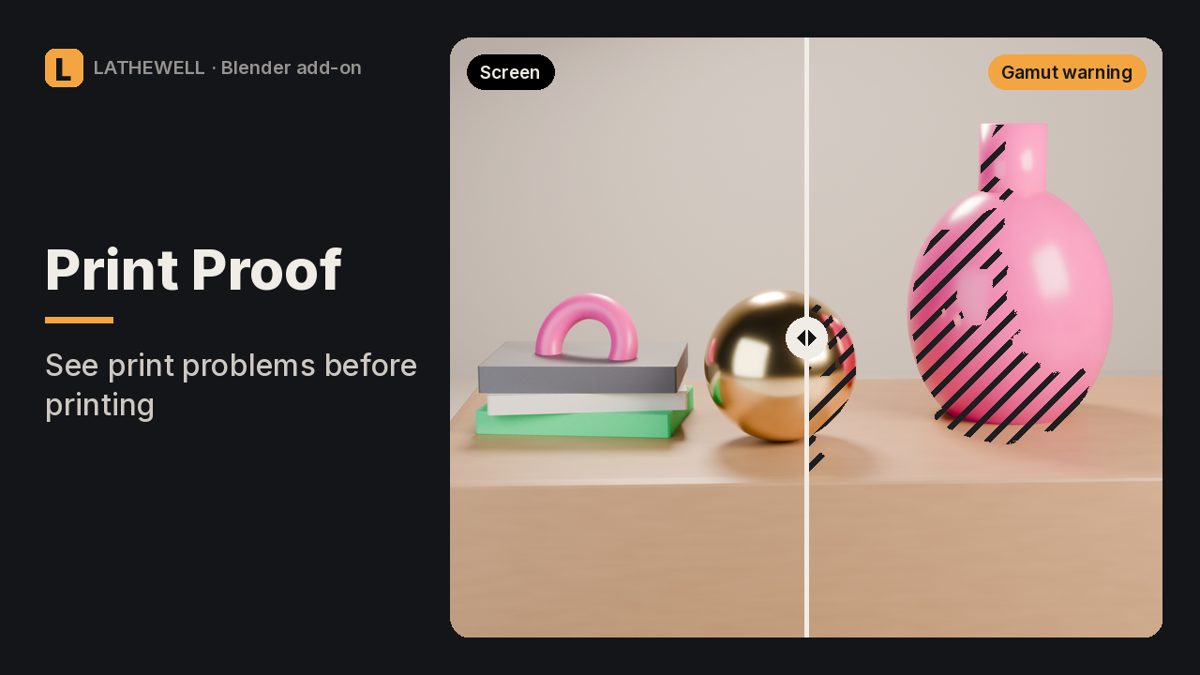
Risk map for Blender renders: out-of-gamut colours, blocked shadows, clipped whites and real print DPI.
Render huge Blender stills in tiles without seams in Bloom and Glare, with print presets, DPI and bleed.