 lathewell
Seamless Poster Render
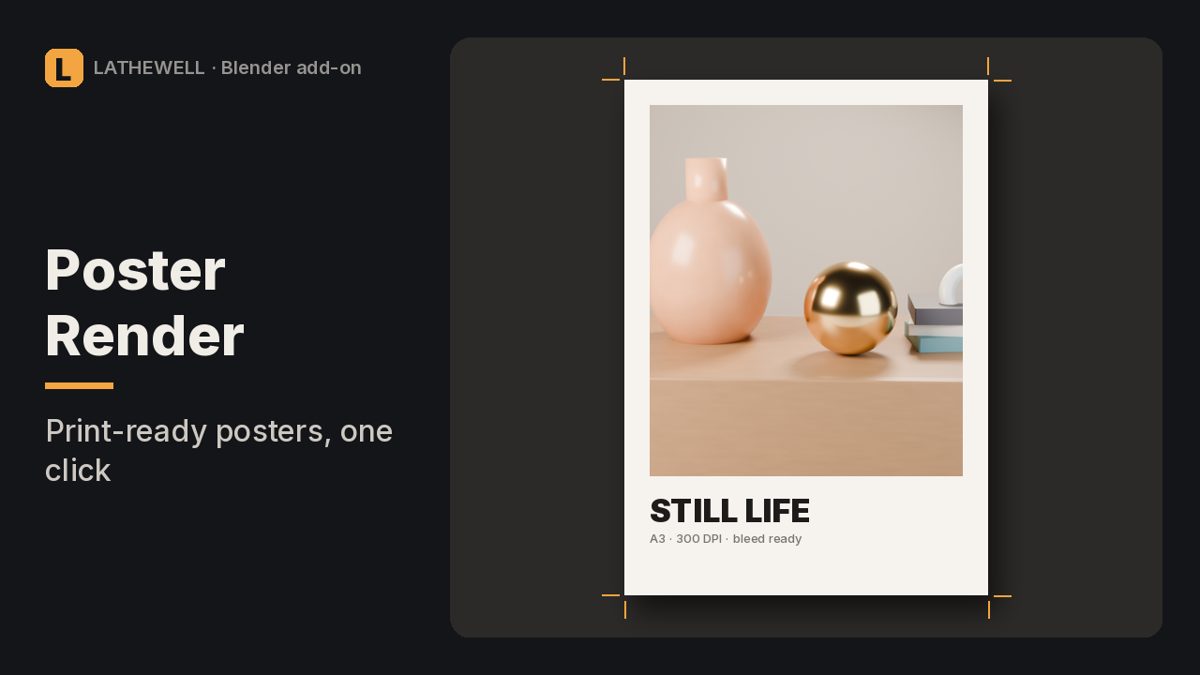
Render huge Blender stills in tiles without seams in Bloom and Glare, with print presets, DPI and bleed.
The problem
Rendering a huge still in one go can run out of memory. Rendering in tiles avoids that, but compositor effects like Bloom and Glare are calculated per tile and leave visible lines where tiles meet.
The fix
Seamless Poster Render renders the tiles without the compositor, stitches all render passes, then runs your compositor once on the full image.
Features
- Tiles with overlap and soft blending; resume after a crash or pause
- Your compositor applied once to the whole image, with Depth, Normal and Cryptomatte passes available
- Print presets A4–A0, Letter, Tabloid, 18×24", 24×36" with DPI and bleed; DPI written into the file
- PNG/TIFF 16-bit, EXR or multilayer EXR
- Measured in 5.2.2: at 64 px overlap the seam error dropped from 0.035 to 0.002
Who it's for
Blender artists making posters, art prints and large-format output.
FAQ
Which Blender versions are supported?
Blender 5.0 or newer, Windows/macOS/Linux.
Any limits?
First view layer only. Stitching very large images with many passes needs a lot of RAM.
What is the refund policy?
All sales are final and there are no refunds. Products are provided as-is, without warranty or liability.
Get Seamless Poster Render for $12
Related guides
- Why is my Blender render black?
- How to render from Blender for print
- Why do objects disappear when I zoom in Blender?
Related tools
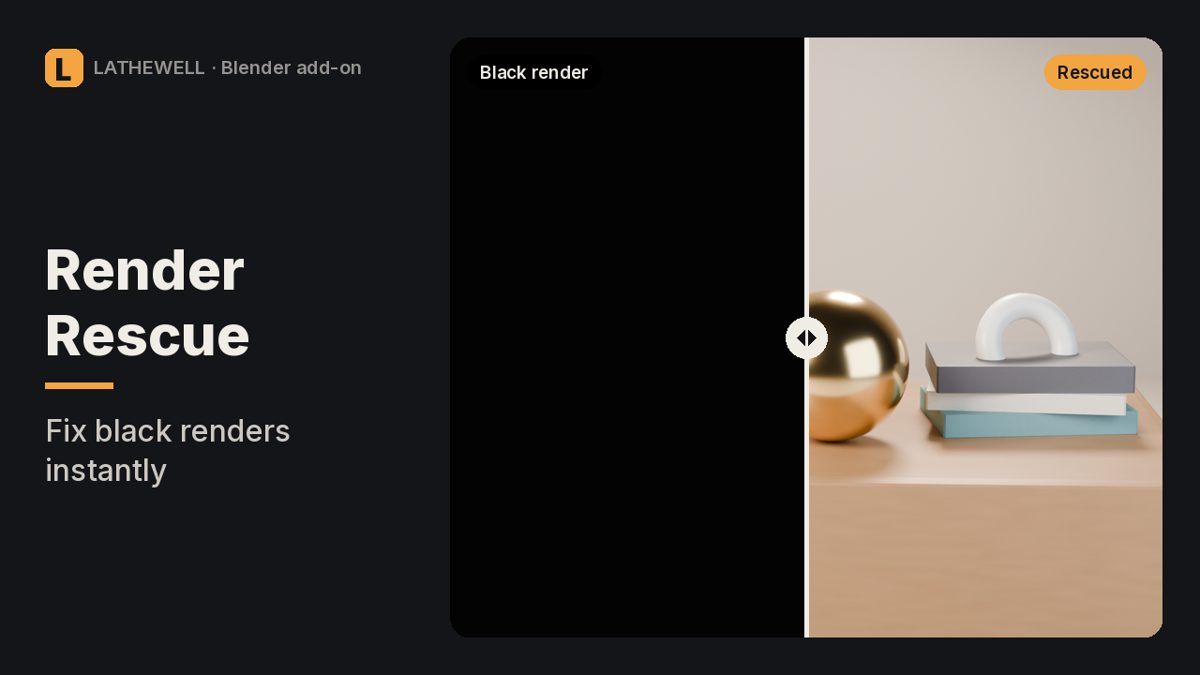
Black, empty or wrong Blender render? Finds the setting that causes it and fixes it in one click.
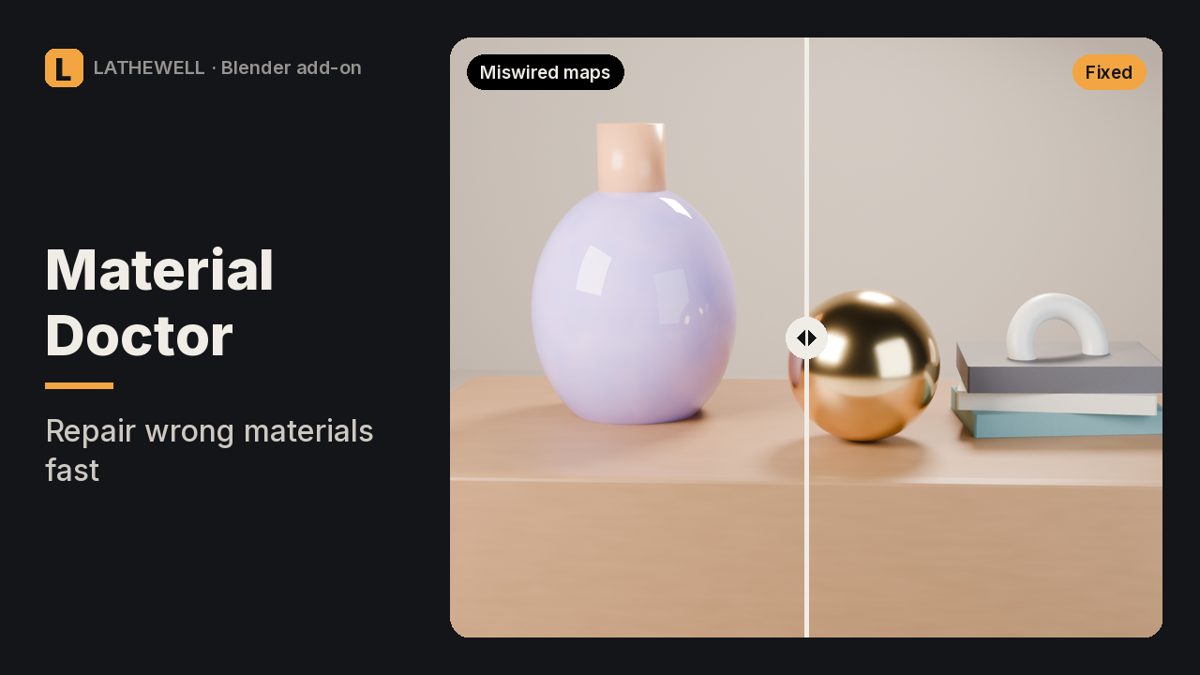
Fixes miswired normal maps and wrong colour spaces in every Blender material at once.
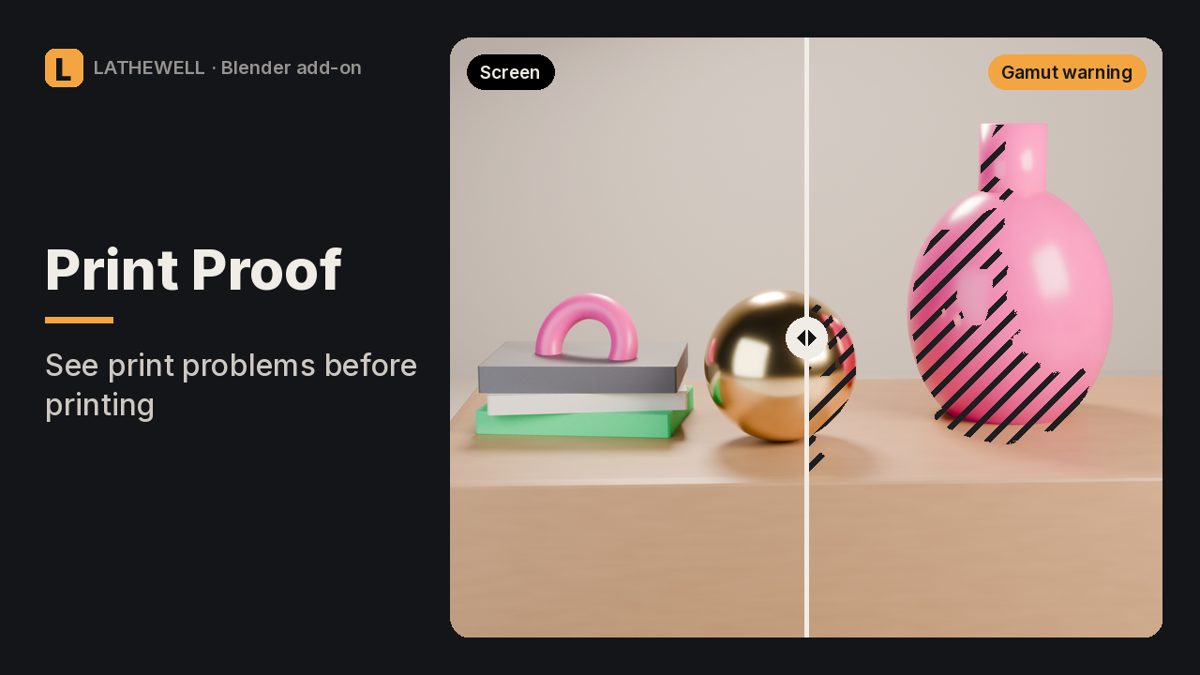
Risk map for Blender renders: out-of-gamut colours, blocked shadows, clipped whites and real print DPI.