 lathewell
Render Rescue
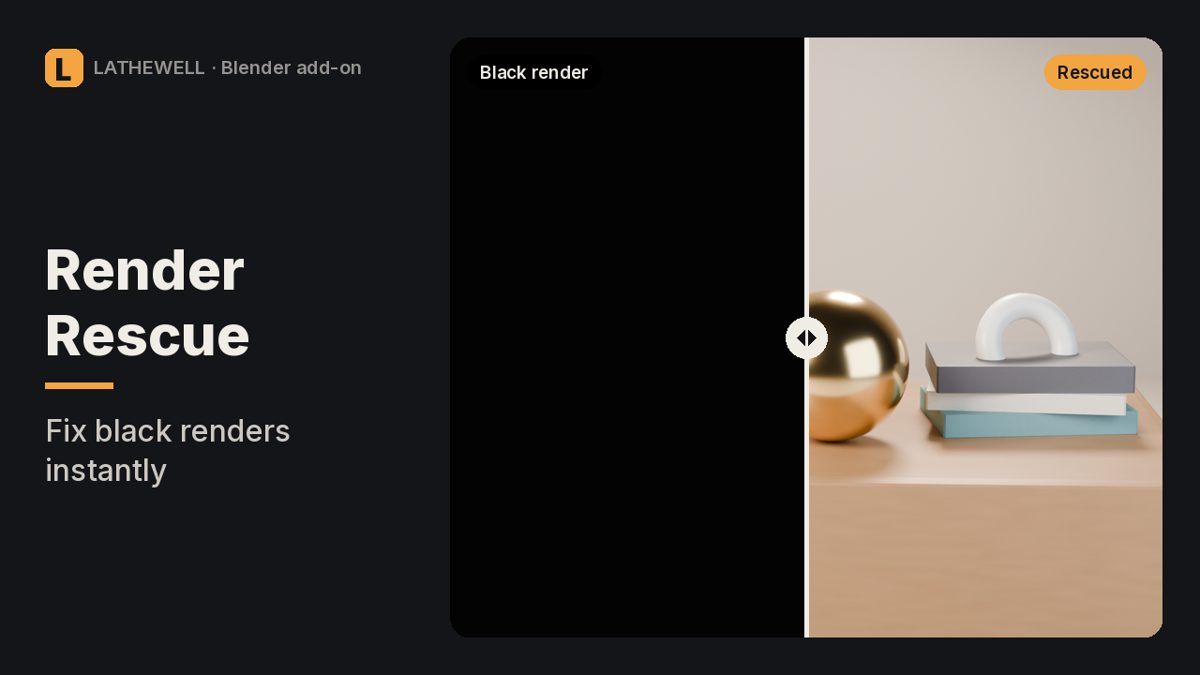
Black, empty or wrong Blender render? Finds the setting that causes it and fixes it in one click.
The problem
You press F12 and get a black square, or the render appears and then turns black, or half the scene is missing. The cause is nearly always one of about twenty settings spread over six panels.
The fix
Render Rescue checks them all at once. Each problem gets a plain-English explanation and a Fix button, or press Fix All (one Ctrl+Z undoes everything).
Features
- Compositor: output disconnected (the "appears, then turns black" bug) or no output node
- Video Sequencer strips replacing your 3D render
- Objects or collections switched off for render, view layer off, Surfaces filter off
- Camera: no camera, camera pointing away, objects past Clip End or before Clip Start, camera inside an object (warning)
- Light: no light, zero-power lights, black World; counts emissive materials
- Exposure near zero, transparent background saved as JPEG, Render Region on, 10% resolution scale
- Viewport vs render differences: modifiers off in render, lower Subdivision render levels, Simplify
- Found in Properties › Render, the N-panel and the Render menu
Who it's for
Blender users who hit a black or empty render and want the cause, not a forum thread.
FAQ
Which Blender versions are supported?
Blender 4.2 or newer; tested in 5.2 (Cycles, EEVEE, Workbench) with 160 automated checks. 4.2–5.1 are expected to work but not tested.
Does it fix every black render?
No. It fixes scene settings. It can't fix a broken shader, a GPU driver crash or running out of memory.
Can I undo the fixes?
Yes. Fix All is a single undo step.
What is the refund policy?
All sales are final and there are no refunds. Products are provided as-is, without warranty or liability.
Related guides
- Why is my Blender render black?
- How to render from Blender for print
- Why do objects disappear when I zoom in Blender?
Related tools
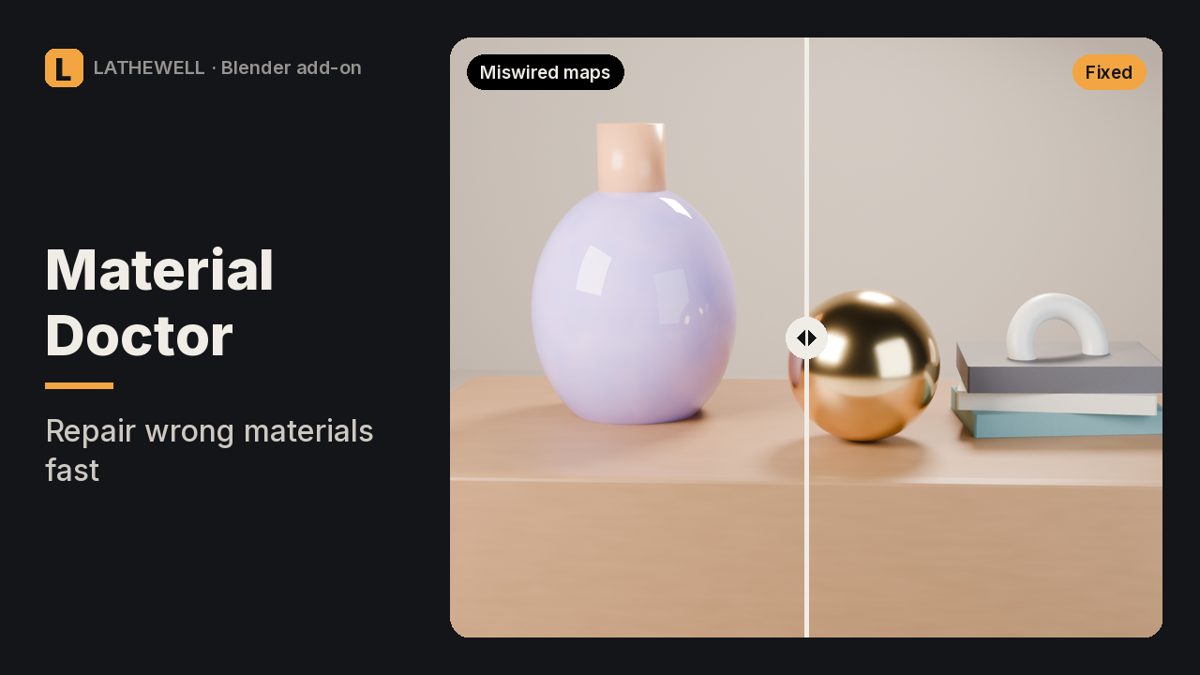
Fixes miswired normal maps and wrong colour spaces in every Blender material at once.
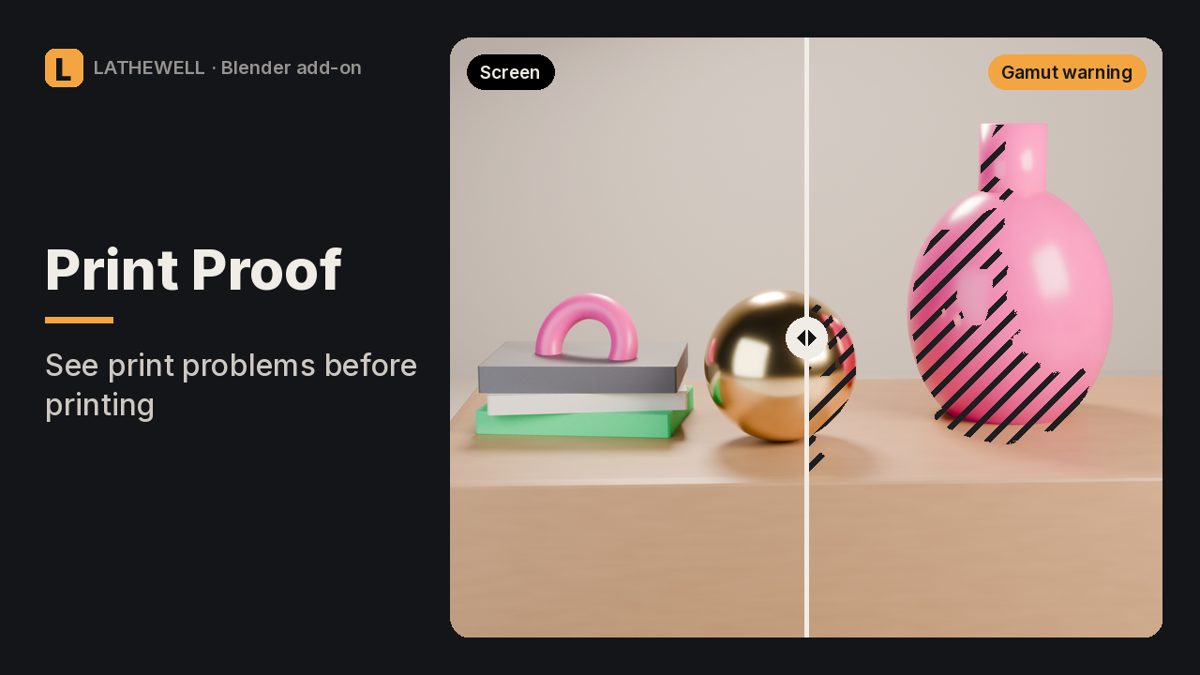
Risk map for Blender renders: out-of-gamut colours, blocked shadows, clipped whites and real print DPI.
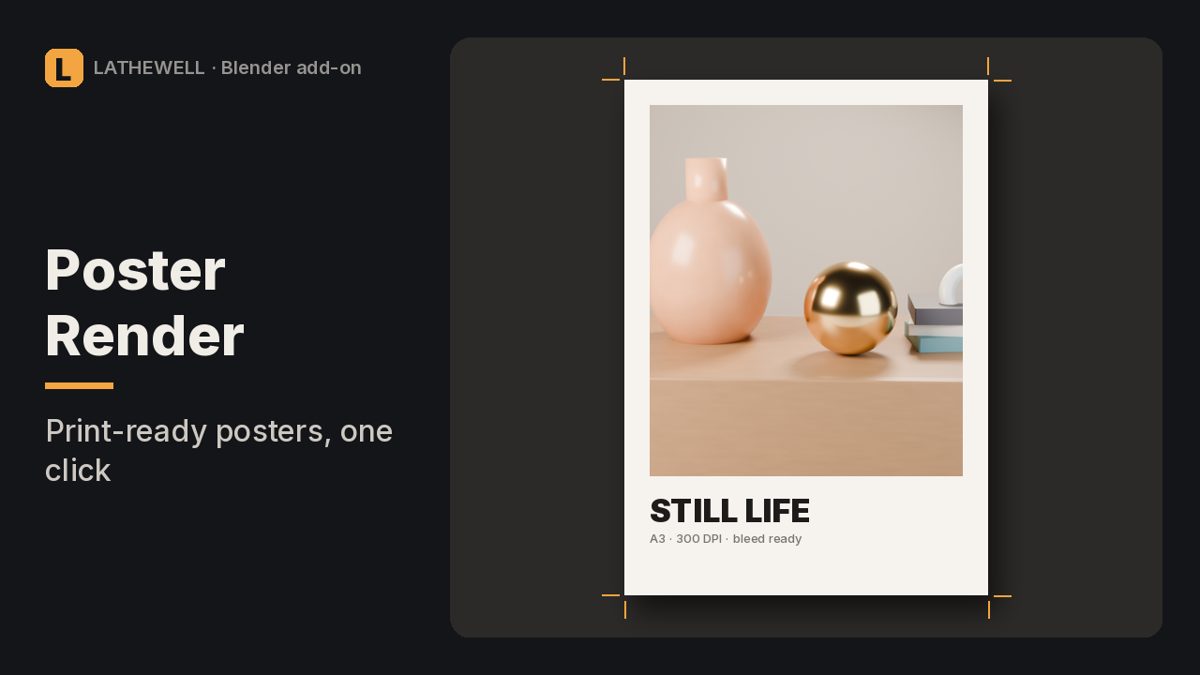
Render huge Blender stills in tiles without seams in Bloom and Glare, with print presets, DPI and bleed.