 lathewell
Multi-Output Render
Render one Blender scene to 9:16, 1:1, 4:5, 16:9, banners and print sizes in one batch, reframed per output.
$10 one-time, USD
Buy on GumroadAll Lathewell for Blender tools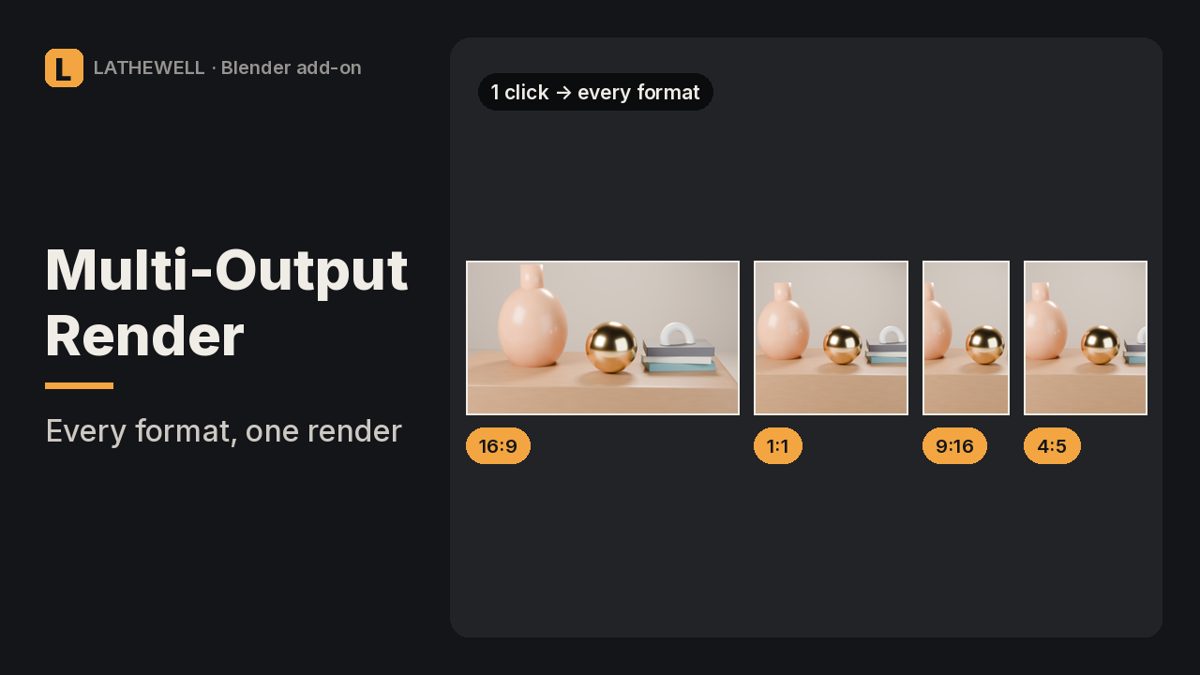
The problem
Making a portrait, square and print version of a render means changing resolution and camera by hand several times, then putting the scene back.
The fix
Multi-Output Render keeps a list of outputs and renders them all in one go. The camera is reframed for each output and your scene is restored afterwards.
Features
- Social presets: 9:16, 1:1, 4:5, 16:9 (HD/4K), 3:1 banner
- Print presets A6–A0, Letter, Tabloid at any DPI, with bleed in mm; DPI written into the file
- Fit or Fill per output, safe margin and crop offset
- File name patterns, PNG/JPEG/TIFF 16-bit/EXR, skip-existing to resume
- Progress bar, Esc to stop, works headless on render farms
- Perspective and orthographic cameras, lens shift kept; 1555 automated checks
Who it's for
Blender artists who publish on several social platforms.
FAQ
Which Blender versions are supported?
Blender 5.0 or newer, Windows/macOS/Linux.
Does it render animations?
No, the current frame only.
Does Fill find the subject automatically?
No; set the crop offset yourself.
What is the refund policy?
All sales are final and there are no refunds. Products are provided as-is, without warranty or liability.
Get Multi-Output Render for $10
Related guides
- Why is my Blender render black?
- How to render from Blender for print
- Why do objects disappear when I zoom in Blender?
Related tools
Render Rescue · $5
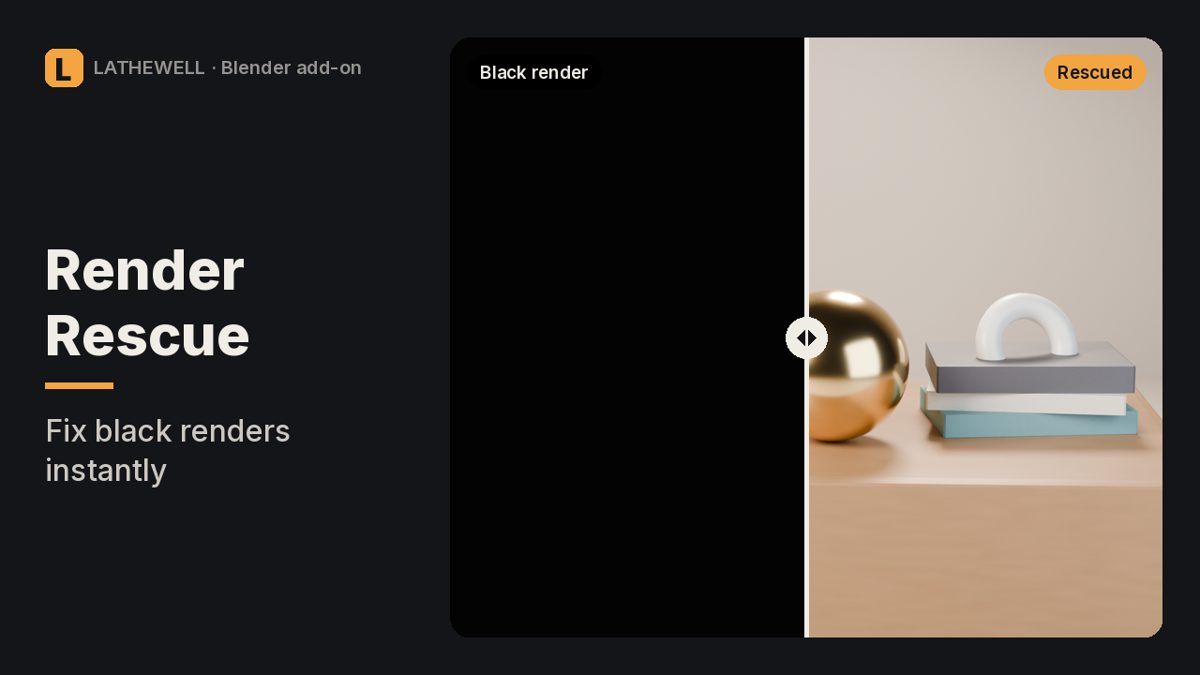
Black, empty or wrong Blender render? Finds the setting that causes it and fixes it in one click.
Black, empty or wrong Blender render? Finds the setting that causes it and fixes it in one click.
Material Doctor · $5
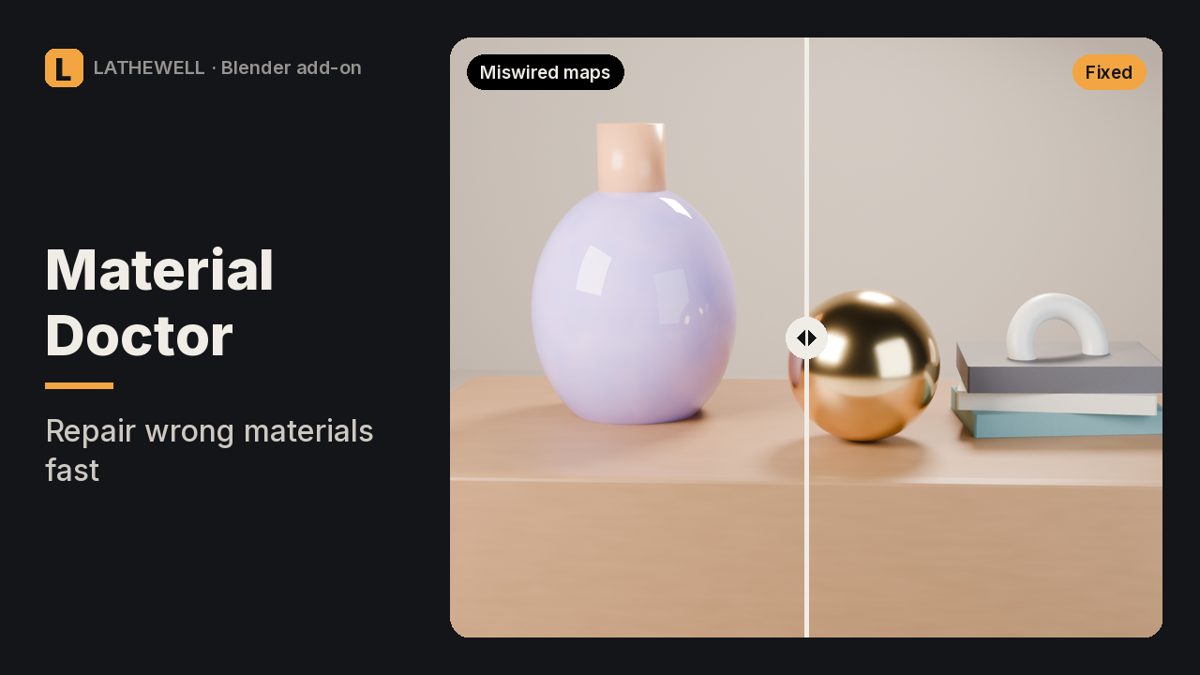
Fixes miswired normal maps and wrong colour spaces in every Blender material at once.
Fixes miswired normal maps and wrong colour spaces in every Blender material at once.
Print Proof · $9
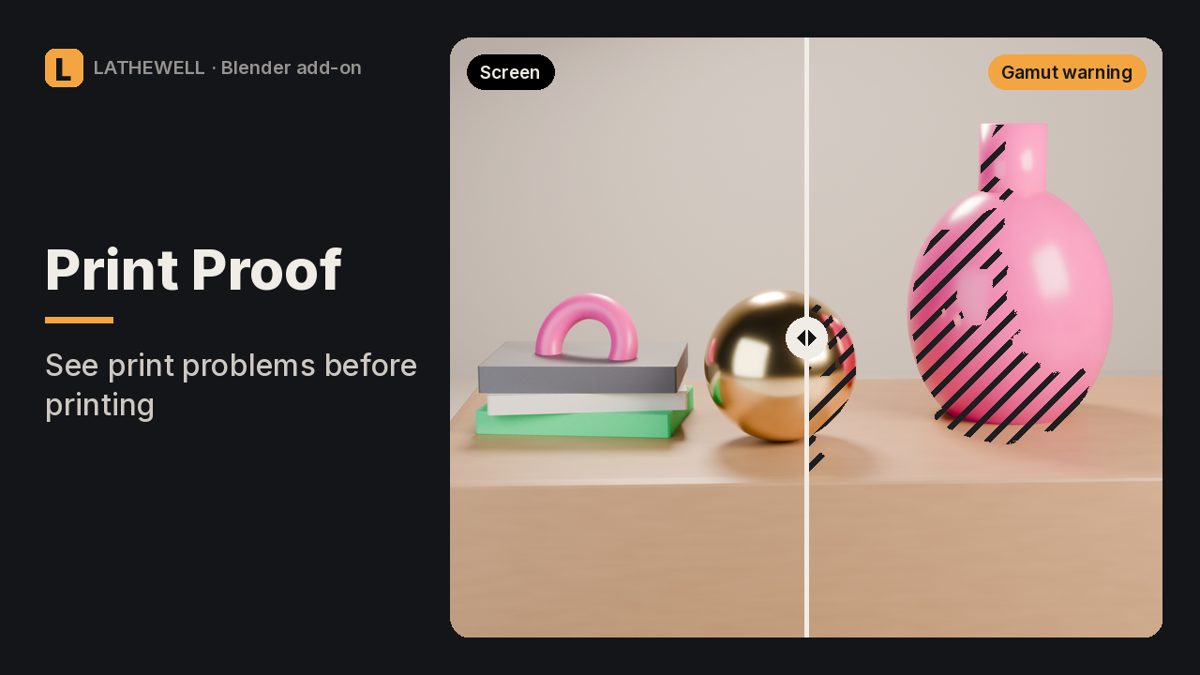
Risk map for Blender renders: out-of-gamut colours, blocked shadows, clipped whites and real print DPI.
Risk map for Blender renders: out-of-gamut colours, blocked shadows, clipped whites and real print DPI.