 lathewell
Render Texel Check
Find the textures that will look soft at your final render or print size, before a long render.
$8 one-time, USD
Buy on GumroadAll Lathewell for Blender tools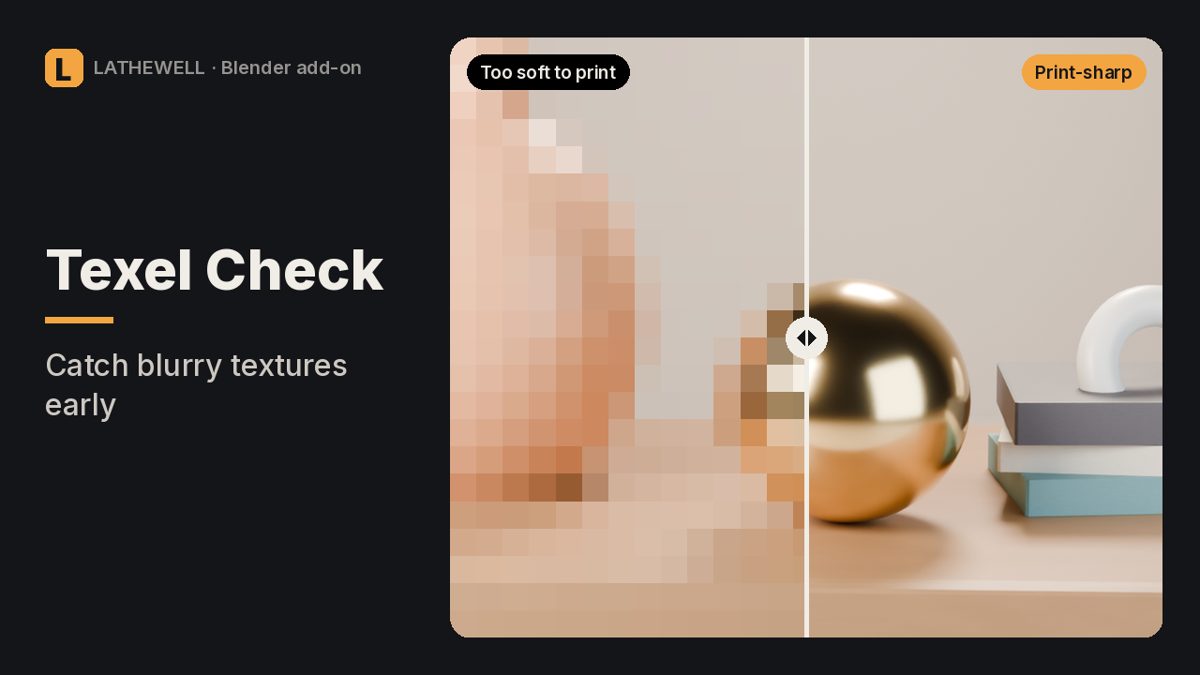
The problem
A texture that looks fine on screen can turn soft when you render at print size.
The fix
Render Texel Check looks through your camera at the final resolution and tells you, per object and image texture, how many render pixels each texture pixel covers.
Features
- List sorted worst to best, with a verdict and the texture size you'd need
- Colour heatmap on your models in the viewport
- Accounts for hidden surfaces, Mapping-node scale, UDIM tiles and HDRI background
- Perspective and orthographic cameras, any resolution and render scale
Who it's for
Blender artists preparing renders for print or high-resolution output.
FAQ
Which Blender versions are supported?
Blender 5.0 or newer.
Does it upscale textures?
No. It measures geometry and tells you which textures are too small; a 1.3× texture may still be fine for your image.
What is the refund policy?
All sales are final and there are no refunds. Products are provided as-is, without warranty or liability.
Related guides
- Why is my Blender render black?
- How to render from Blender for print
- Why do objects disappear when I zoom in Blender?
Related tools
Render Rescue · $5
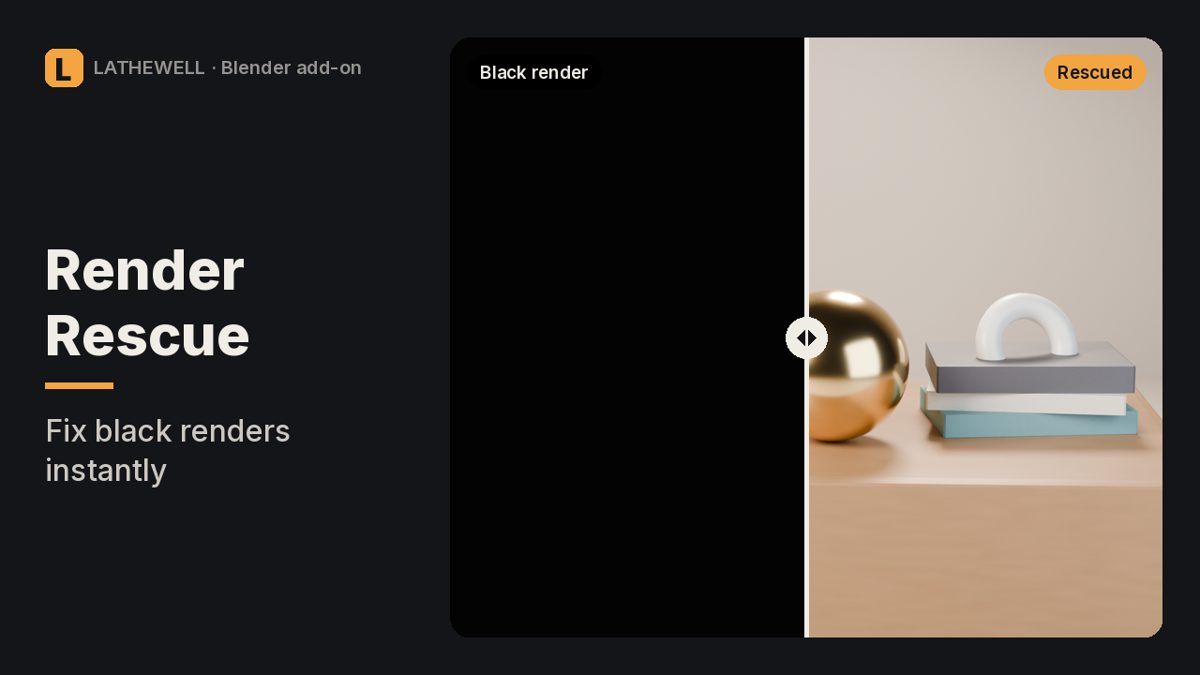
Black, empty or wrong Blender render? Finds the setting that causes it and fixes it in one click.
Black, empty or wrong Blender render? Finds the setting that causes it and fixes it in one click.
Material Doctor · $5
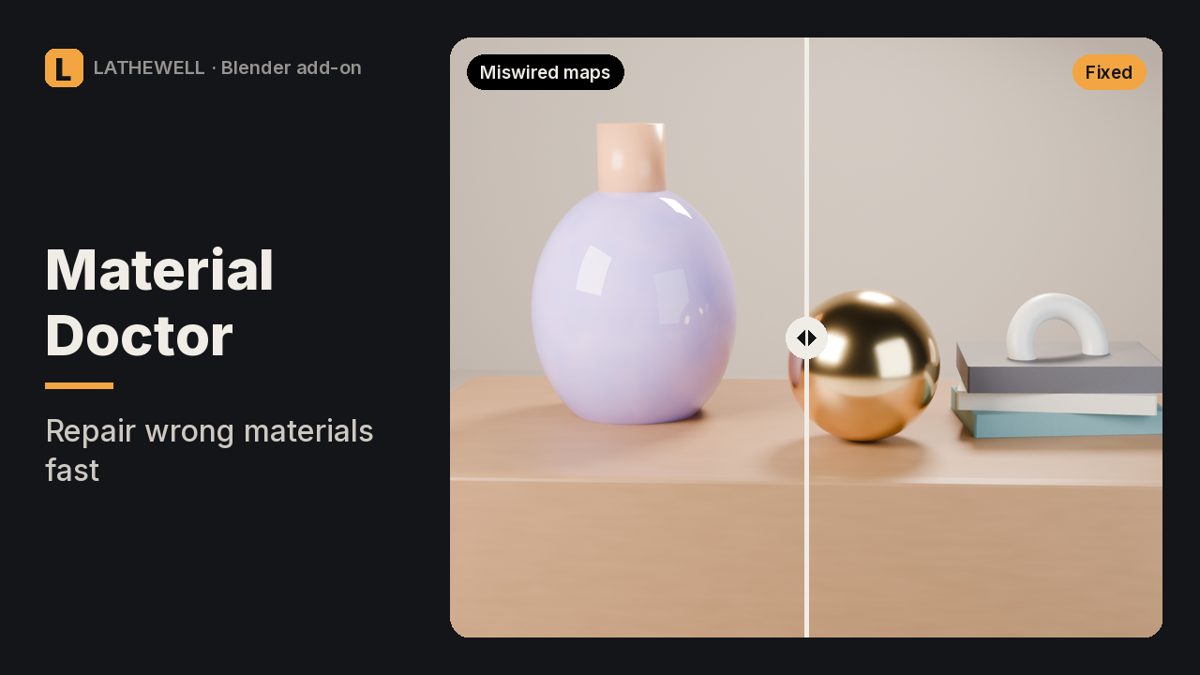
Fixes miswired normal maps and wrong colour spaces in every Blender material at once.
Fixes miswired normal maps and wrong colour spaces in every Blender material at once.
Print Proof · $9
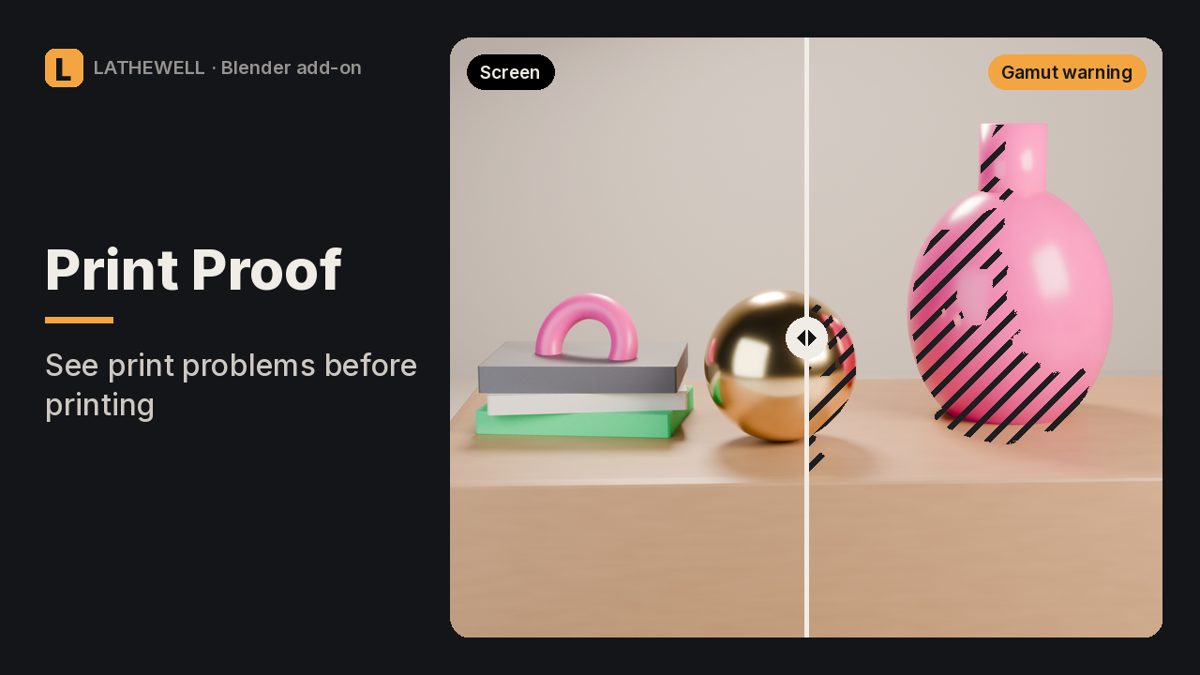
Risk map for Blender renders: out-of-gamut colours, blocked shadows, clipped whites and real print DPI.
Risk map for Blender renders: out-of-gamut colours, blocked shadows, clipped whites and real print DPI.